
Write what you want to see.
Subject, setting, style and mood are enough to start.
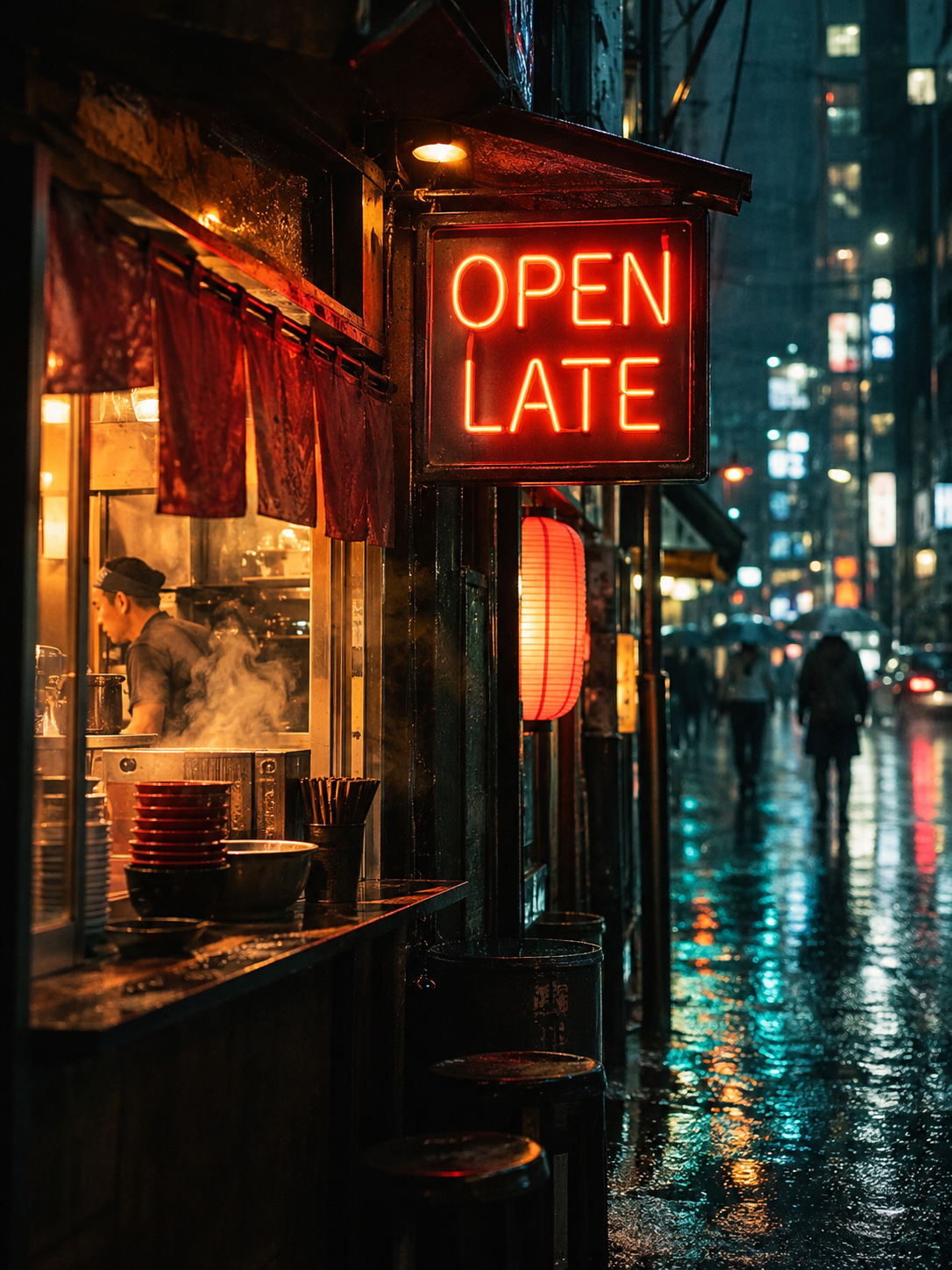
Describe an image and choose the model that makes it. This AI image generator puts Nano Banana, GPT Image, Seedream and the newest image models behind one prompt box, so you can switch models without switching sites.
Sign in with Google to generate. Your prompt stays here.
New accounts get one free image. Failed generations return your credits.
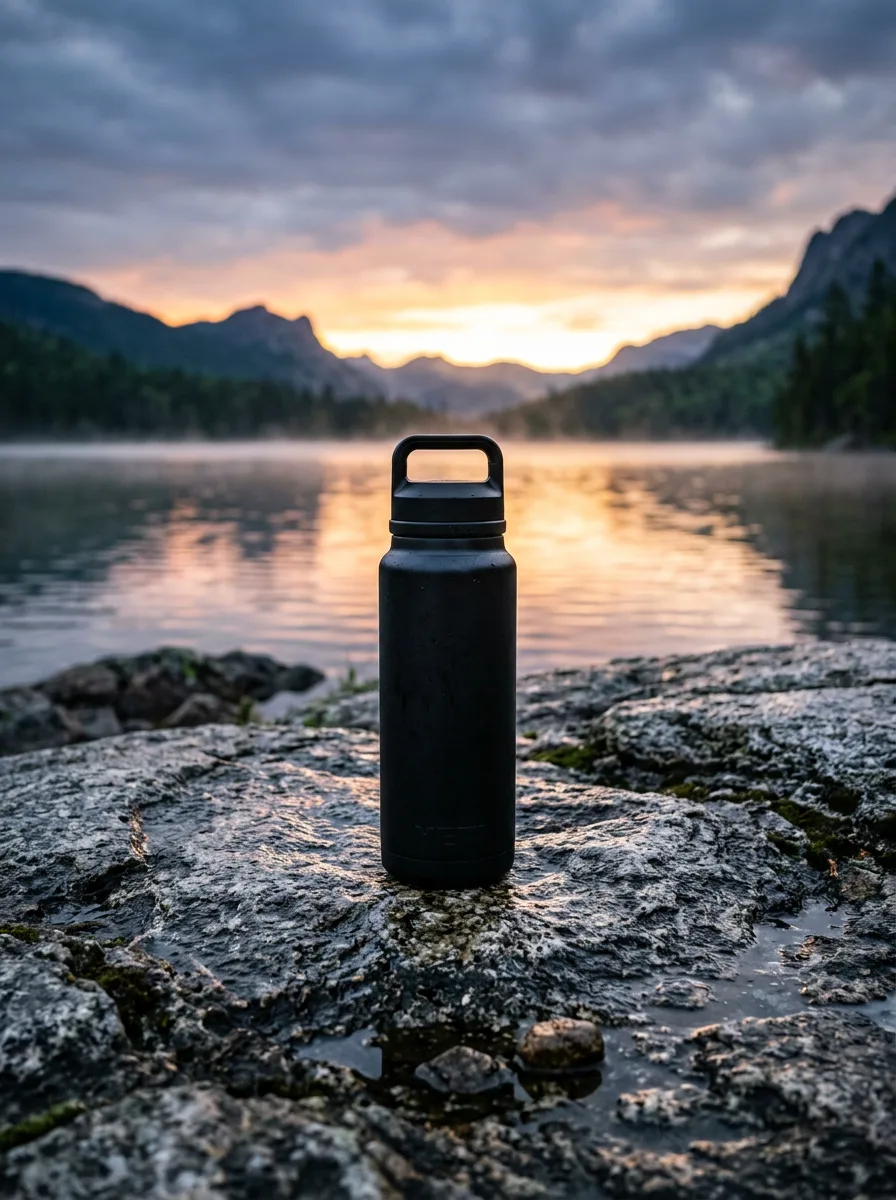
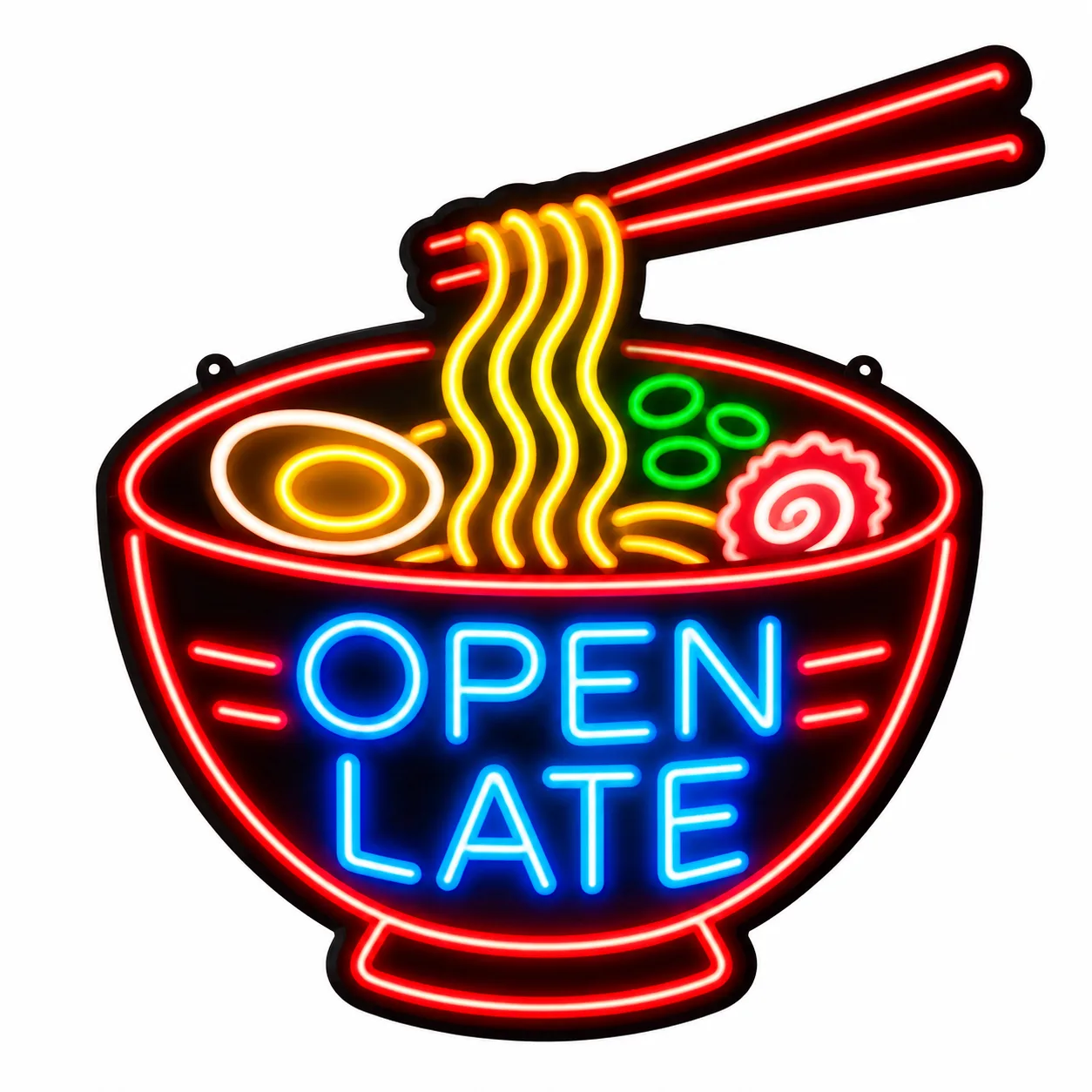

Describe the image you want to create
Subject, setting, style and mood are enough to start.
Each one lists its strengths and its credit cost.
Pick an aspect ratio and resolution that fit where the image is going.
Keep the result, or run the same prompt on another model.
"A ceramic mug on a linen tablecloth, soft window light" becomes a clean listing image, and you can test which model keeps the label sharp.
Posters, menus and thumbnails need words that read correctly; pick a model known for text and check it before you print.
Upload a picture and ask for a new background, a different season or a cleaner composition.
Watercolor, 3D, anime or editorial: try one idea in several styles and models.
When a new image model ships, it joins the picker. Your account and balance already work with it.
Models differ on text, faces, products and style. Running one prompt on two models shows you which fits your job.
The credit cost sits next to every model and on the button, before you generate.
Every image you make is saved to your account, whichever model made it.
Start with the model page when you want details: strengths, settings, credit cost and example outputs. Go straight to a comparison when you're torn between two.
Product photos.
2 credits
Text in images.
4 credits
Illustration and style.
4 credits
AI-generated · Examples
Picked from images made on HarnessAny with the models listed.
It's an AI image generator that lets you use several image models from one page. You write the prompt once, pick a model, and switch to another model whenever you want a different take.
It depends on the job. Some models are stronger with text in images, some with photorealistic products, some with illustration. Each model page lists its strengths, and comparison pages show two models on the same prompt.
New accounts get one free image. After that, each image costs credits, shown next to the model before you generate. Credit packs start at $15 and subscriptions at $9.99 a month.
Yes. Add it as a reference image with models that support editing, then describe the change you want.
We only add models whose licenses allow commercial use. You're responsible for what you create and for having the rights to any photo you upload.
HarnessAny is for safe-for-work images only. Prompts and results are checked, and requests for sexual, violent or harmful content are refused.
No. HarnessAny is an independent platform that provides access to these models through their APIs. Model names and trademarks belong to their owners.
Write one prompt and try it on the newest image models.
New accounts get one free image.